
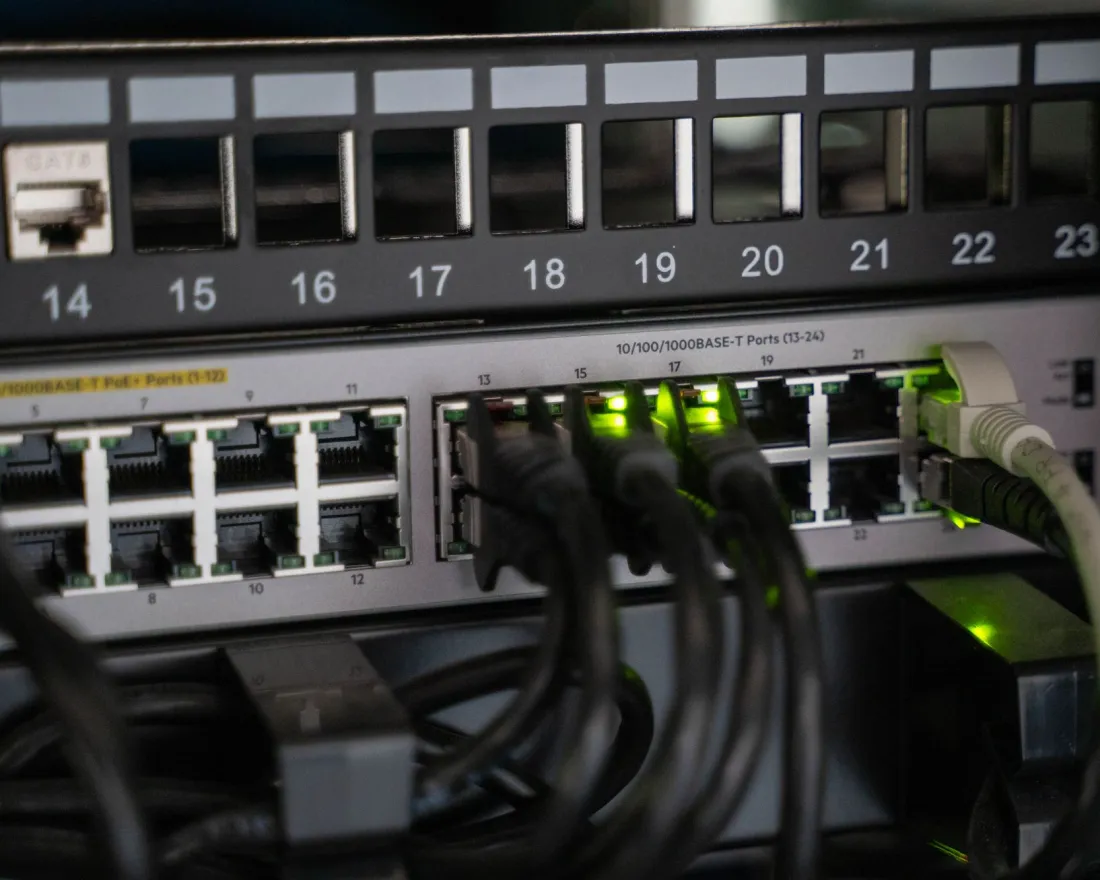
- “Backhaul” is the link between each Wi-Fi access point and the rest of your network.
- Cabled access points give all of their wireless capacity to your users; wireless relays spend part of it passing traffic along.
- In a busy office, cabled backhaul is usually the difference between Wi-Fi that copes and Wi-Fi that slows down every afternoon.
What Backhaul Means
Office Wi-Fi is made up of several access points spread across the floor plan. Each one serves the laptops and phones near it, but it also has to pass that traffic back to the router, the internet connection, and any servers or printers.
That return path is the backhaul. It can be a network cable, or another wireless link to a neighbouring access point.
Wired vs Wireless Backhaul
Wi-Fi is shared: devices on the same channel take turns to transmit. When an access point relays its users’ traffic wirelessly, the same data effectively crosses the air twice – and each extra hop adds delay.
| Wired backhaul | Wireless backhaul | |
|---|---|---|
| Capacity for users | All of the access point’s Wi-Fi | Shared with the relay traffic |
| Consistency | Unaffected by walls or interference between access points | Depends on access points hearing each other well |
| Power | Usually powered over the same cable (PoE) | Needs a power socket at each access point |
| Placement | Anywhere a cable can reach, including ceilings | Must be within range of another access point |
| Installation | Cable runs needed | Quicker where cabling is difficult |
In a home with a handful of devices the difference may not be noticeable. In an office full of video calls, cloud apps and file transfers, it usually is.
Why Cabling Pays Off
Capacity
The wireless side of every access point is free to serve users.
Consistency
Performance doesn’t depend on how well access points can hear each other.
One Cable, Power Included
Power over Ethernet (PoE) from the switch – no socket needed at each access point.
Right Place
Access points go exactly where coverage is needed, not where they can see each other.
Planning the Cabling
Good office Wi-Fi starts with structured cabling: runs from each access point position back to a tidy, labelled network cabinet, installed and tested properly. Points worth thinking about early:
- Where people actually work, meet and gather – not just the floor area.
- Meeting rooms, kitchens and breakout spaces, which all get busy at the same times.
- Spare cable runs for future access points, cameras or door entry.
- Where the network cabinet will live, and whether it has power and ventilation.
That’s the moment to plan it. Running cables before ceilings and walls are closed up is far simpler than adding them later.
When Wireless Still Makes Sense
Wireless links are still useful where cabling genuinely isn’t practical – a detached outbuilding, a listed building or a temporary space. The best approach is usually to cable everything that can be cabled, and use wireless only for the exceptions.
HISO install structured cabling and meshed UniFi access points together, so the network is designed as one system from the cabinet to the ceiling.