
- Wi-Fi weakens with distance and with every wall and floor it passes through, so one router rarely covers a whole house.
- A mesh system places several access points around the property and runs them as one network.
- Your devices move between access points automatically, so the signal stays strong from room to room.
Why One Router Falls Short
Most homes start with the router their broadband provider supplied, sitting wherever the line comes in – often a hallway or a corner of the living room. Signal drops off with distance, and faster still through:
- Brick, stone and concrete floors
- Foil-backed insulation, mirrors and underfloor heating
- Extensions, loft conversions and garden offices built onto the original house
The result is a familiar pattern: great signal near the router, patchy upstairs, nothing in the far bedroom or the garden, and video calls that freeze as you walk around.
Why Extenders Disappoint
A plug-in extender picks up the router’s signal and rebroadcasts it. It can help in a pinch, but:
Half the Speed
It listens and transmits over the same wireless link, so capacity is shared.
Weak In, Weak Out
It can only repeat the signal it receives – it can’t improve it.
Sticky Devices
Devices often cling to the weaker network instead of switching over.
How Mesh Wi-Fi Works
A mesh system uses several access points placed around the property, managed as one network with one name and password. Your phone or laptop connects to whichever access point gives it the best signal, and hands over to the next as you move between rooms and floors.
Wired or Wireless Backhaul
The access points need a way to talk back to the network – this link is called the backhaul. There are two options, and many installations use both:
Wired Backhaul
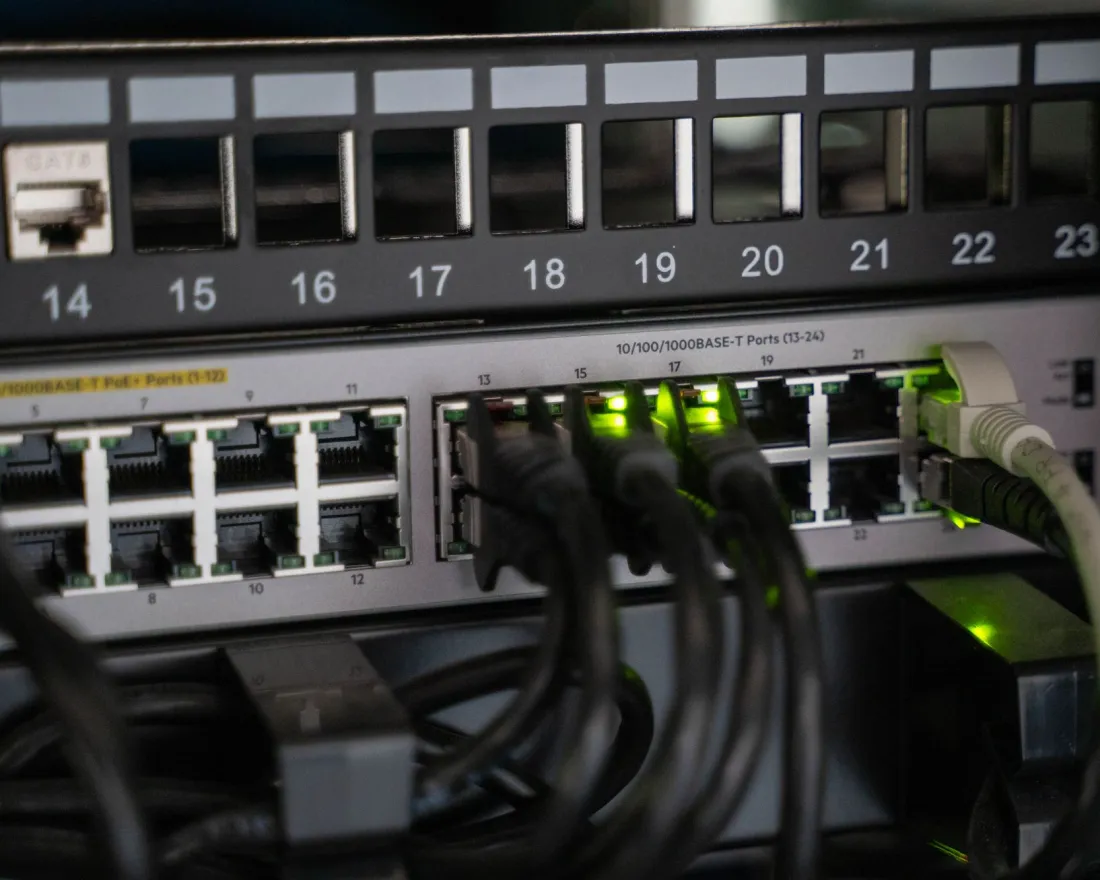
Each access point is connected by a network cable.
- Best for
- The fastest, most reliable result – the Wi-Fi is left entirely for your devices.
Wireless Mesh
Access points link to each other over Wi-Fi.
- Best for
- Spots where cabling isn’t practical, such as a listed building or a finished room.
Cable the access points that are easy to reach, and use a wireless link only for the odd awkward spot. Our guide to wired backhaul explains why.
Off-the-Shelf Kit or an Installed System?
Off-the-shelf mesh kits can work well in a modest house. In larger homes, or where you need outdoor coverage, guest access or dependable home working, an installed system has the edge.
| Off-the-shelf kit | Professionally installed | |
|---|---|---|
| Placement | Wherever there’s a shelf and a socket | Planned from a survey of the building |
| Mounting | Units on furniture | Discreet ceiling or wall access points |
| Backhaul | Usually wireless | Cabled where possible |
| Management | App on your phone | Monitored and managed remotely |
| Expanding later | Add another unit | Add access points to the same system |
HISO install meshed Wi-Fi built on UniFi access points, which work together as one network. Every UniFi device we fit is connected to our own secure UniFi controller, hosted in a state-of-the-art Manchester data centre, so it’s always monitored – we’re alerted to faults and can often fix them before you notice.
Questions to Ask Before You Choose
- Which rooms and outdoor areas need coverage, and where are the dead spots now?
- Is it practical to run cables to access point positions, or is the building finished?
- Do you need a separate network for guests or smart home devices?
- How many people and devices will be connected at busy times?